12/3/2024
Initial Discovery
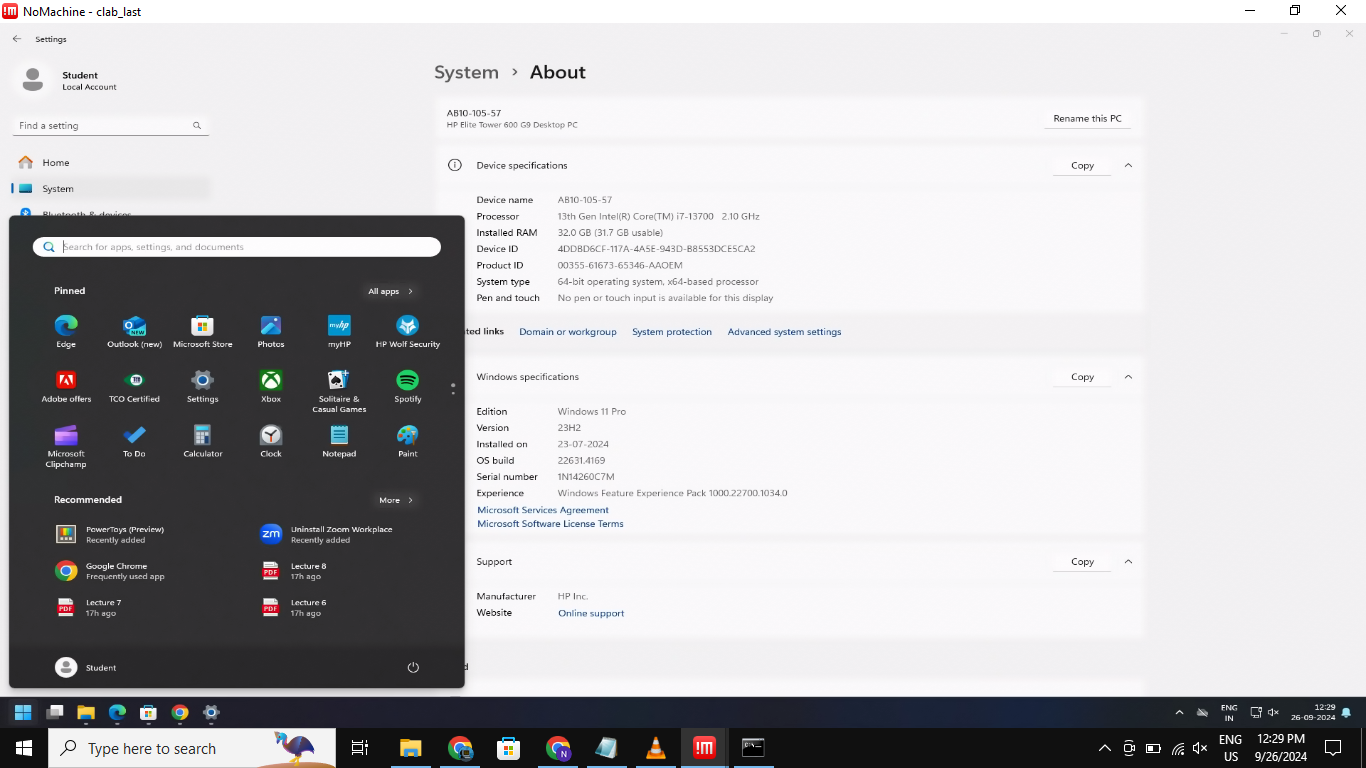
During a regular session in the computer lab, I noticed NoMachine installed on the systems. After researching the software (yes, Google is every security researcher’s best friend 😉), I learned that NoMachine is a remote desktop solution operating on port 4000 using the NX protocol.
Investigation Process
Remote Access Vulnerability
- Initial Setup
- Installed NoMachine on my laptop
- Attempted connection to lab computer’s IP
- Authentication Test

- System prompted for credentials
- Default student credentials were accepted
- Successful Access
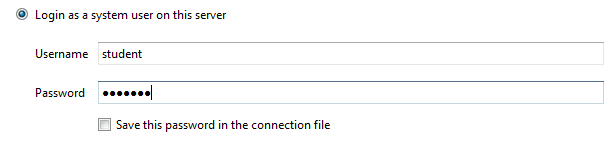
- Gained non-administrative remote access
- Full user-level control achieved
Additional Findings
SMB Vulnerability
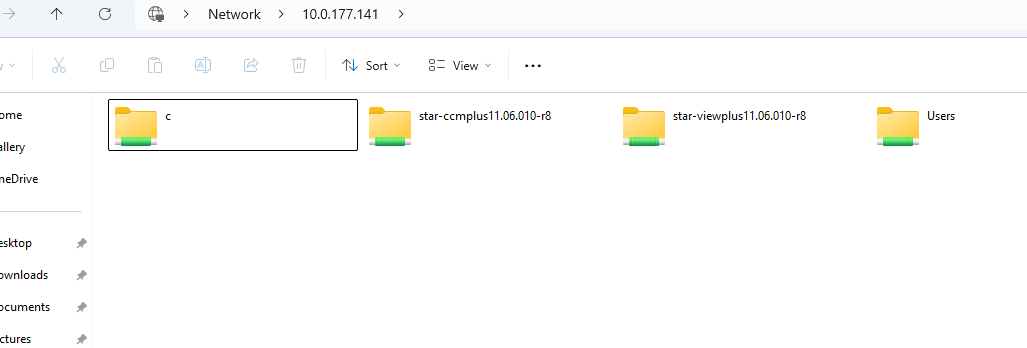
A second vulnerability was discovered involving unrestricted access to system files through SMB (Server Message Block) protocol.
Credit for this discovery goes to Chandrabhan Patel, who identified the Remote File Inclusion vulnerability.
Responsible Disclosure
Both vulnerabilities were promptly reported to the IT Security Task Force (ISTF):
- Issues were acknowledged and verified
- Remediation measures were implemented
- Systems are now secured against these vulnerabilities
Security Considerations
“Could this be exploited during lab exams?”
While this was a natural concern, the faculty already had preventive measures in place, including disabling external connections during examinations.
Conclusion
This experience highlights the importance of:
- Regular security audits
- Proper system configuration
- Prompt vulnerability reporting
- Responsible disclosure practices
Happy (Ethical) Hacking!